

Top up your wallet
Your wallet pays for production, design fees and shipping. Orders cannot be sent when the wallet cannot cover them.
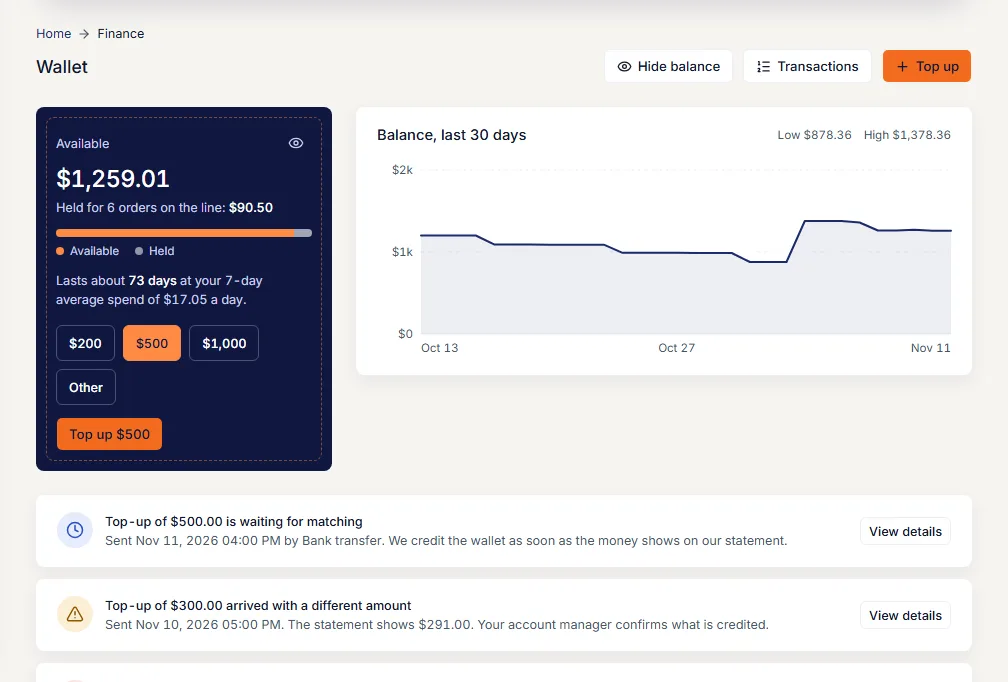
Top up
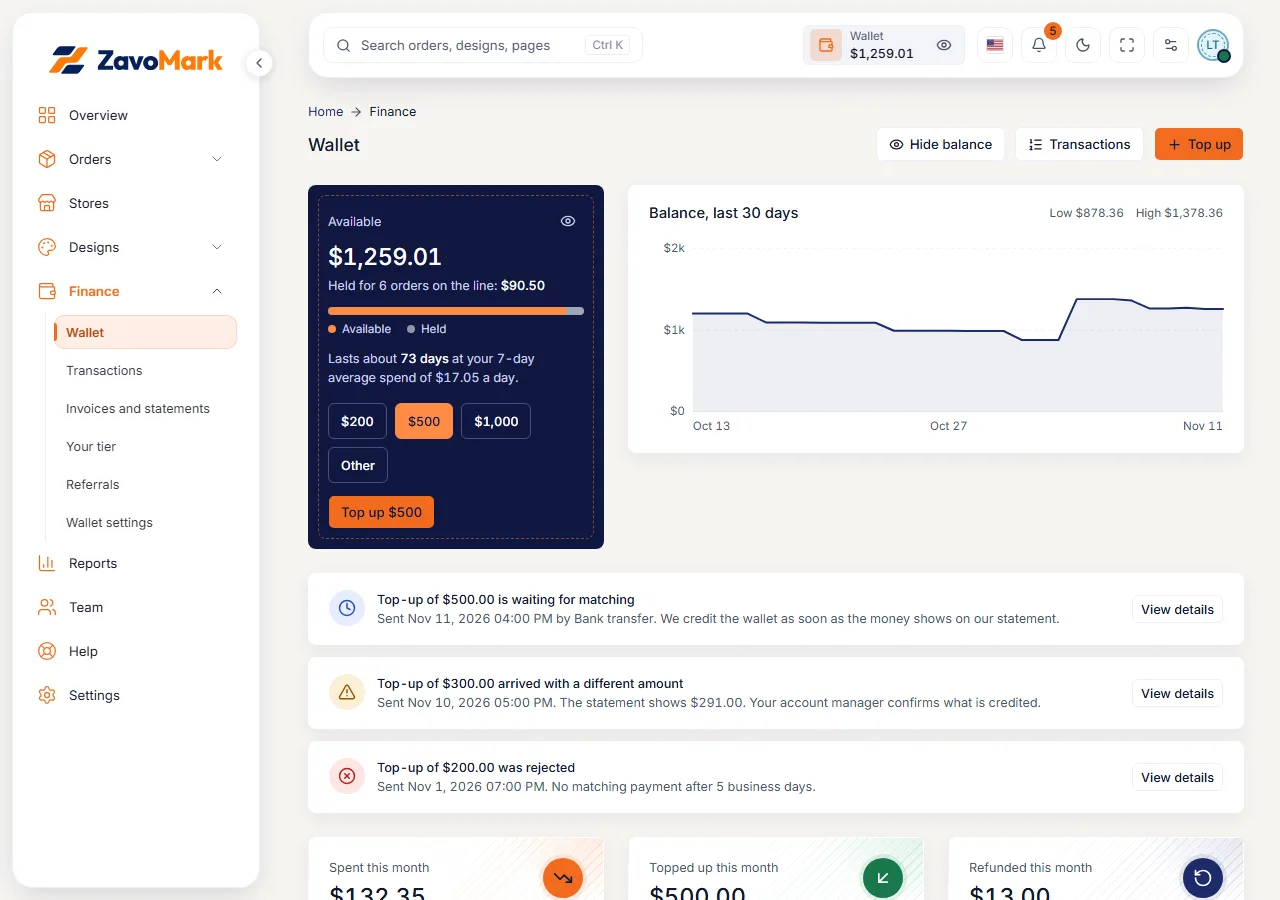
Section titled “Top up”- Open Finance > Wallet.
- Select Top up.
- Pick a preset such as $500, or enter the Amount in USD. Top-ups go from $50 to $10,000 each time. For a larger amount, split it in two.
- Choose the Method: Bank transfer or Payoneer. Card is marked as coming later. The dialog shows the bank or Payoneer details, the Account and the amount.
- Send the money from your bank or Payoneer. Put the Reference in the transfer note exactly as shown. Use Copy reference.
- Select Send top-up request.
We credit your wallet when the money arrives and our finance team has checked it. The wallet shows Pending top-up until then.
Always add the reference
Section titled “Always add the reference”The reference lets us match the money to your wallet. A transfer without it takes longer to find.
Top-up results
Section titled “Top-up results”You get a notification for each result:
- Top-up approved. The money is in your wallet.
- Amount differs. The money received is not the amount you requested. We tell you what to do.
- Top-up rejected. We tell you the reason and the next step.
Choose which of these you want by email in Settings > Wallet and billing. See Notifications and email preferences.
Who can top up
Section titled “Who can top up”Only the owner, admins and Finance members. Others see the balance.
Low balance alert
Section titled “Low balance alert”In Settings > Wallet and billing > Alerts, set Alert when the balance is under an amount, for example $100. We warn you by email and in the app. Set 0 to turn it off.